Luna Animation Case Study: One Character, Five Actions
A review of one Luna source image and five actual Spritix outputs, including what stayed consistent, what changed, and which generation details were not recorded.
This case starts with one Luna reference image and five saved animations: Idle, Walk, Run, Jump, and Attack. The files let us compare the character and motion across all five actions. We cannot reproduce the original run exactly because its provider model version, random seed, and complete prompt were not saved with the sample.
Files kept for this case
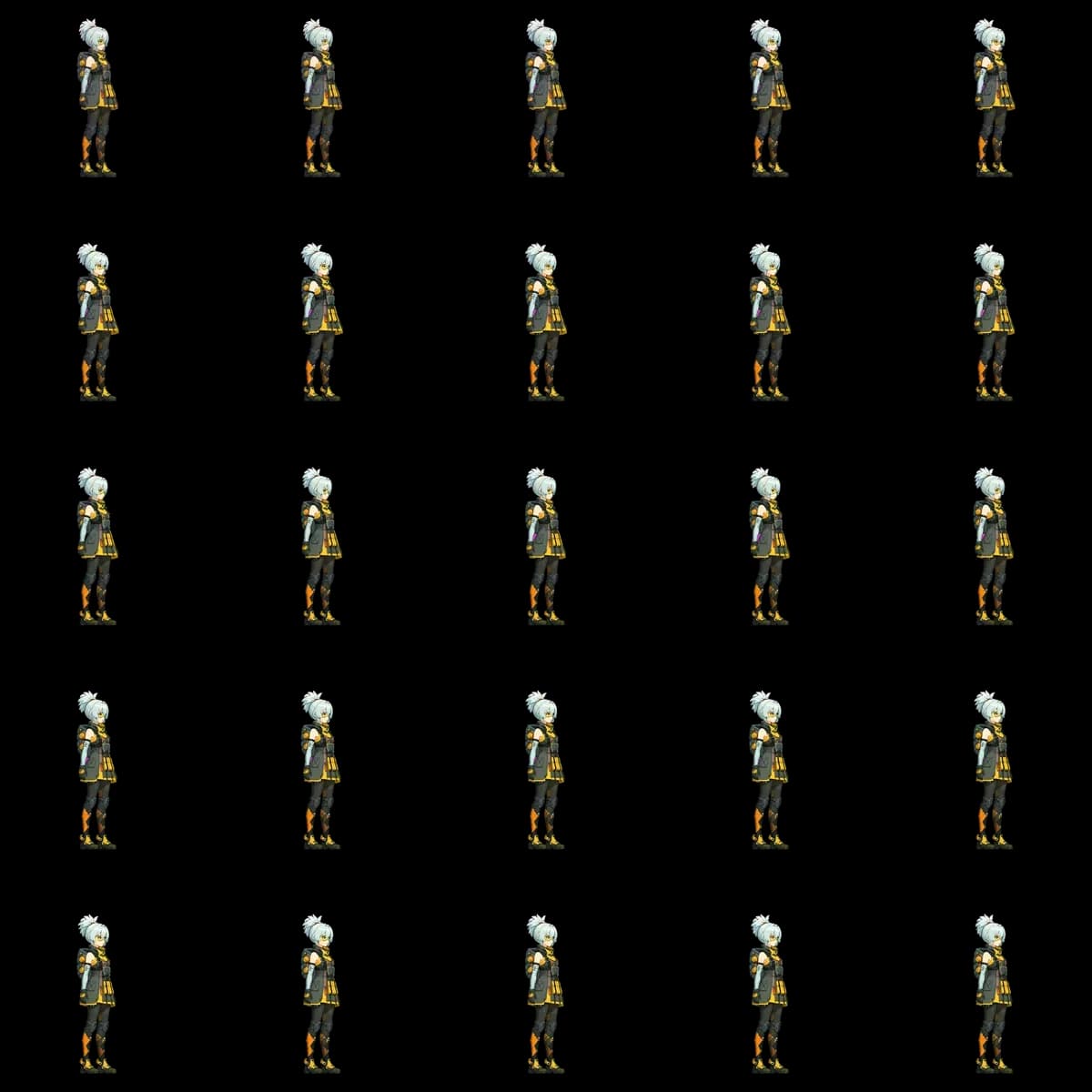
The source is an 800×1400 RGBA PNG. Each full Sprite Sheet is a 4800×4800 RGBA PNG arranged as a 5×5 grid, which gives us 25 cells of 960×960 pixels. Each GIF is 960×960. The 1200×1200 WebP files are smaller previews for this page.

| Action | Full Sprite Sheet | Loop preview | Lightweight preview |
|---|---|---|---|
| Idle | 4800px PNG | 960px GIF | 1200px WebP |
| Walk | 4800px PNG | 960px GIF | 1200px WebP |
| Run | 4800px PNG | 960px GIF | 1200px WebP |
| Jump | 4800px PNG | 960px GIF | 1200px WebP |
| Attack | 4800px PNG | 960px GIF | 1200px WebP |


The links above open the saved files directly, so you can inspect every sheet instead of relying on a selected crop.
Do the five actions still look like Luna?
Across the five sheets, Luna keeps the same light hair, dark-and-yellow outfit, asymmetrical equipment, and long weapon. The actions have visible differences, but they still read as the same character.

The frames are not pixel-identical. Hair strands, hands, equipment edges, cloth folds, and small facial details change between poses and actions. Check these areas before using the animation in a game.
How we checked the five actions
1. Did the character drift?
Compare the source and every sheet at the same zoom. Check the same details each time:
- face and hair mass;
- outer costume silhouette and color blocks;
- weapon length, side, and attachment;
- limb count and ownership;
- accessory placement across neighboring frames.
Do not judge the whole animation from one good-looking frame; inspect all 25 cells.
2. Does the loop play smoothly?
Play the GIF first, then use the Sprite Sheet to inspect individual frames. Watch the jump from the last frame back to the first, foot contact during Walk and Run, sudden changes in body position, weapon direction, and one-frame shape changes. Also try more than one playback speed, because a seam may only appear when the loop slows down.
3. Are the files complete?
Confirm that every sheet is 5×5, every cell is 960×960, the transparent edges are usable, and the frame order runs left to right, then top to bottom. Use the GIF to review motion and the full PNG to inspect the artwork.
What this case does not prove
- It does not preserve the exact historical provider model snapshot, random seed, or complete prompt.
- It was not generated as a controlled comparison across model versions or quality tiers.
- The original case did not include an engine import test. A separate Godot 4.5.1 tutorial now includes a tested Walk playback project; this does not validate the other actions or other engines.
- It does not provide a numeric identity-consistency or loop-quality score; no calibrated scoring protocol was run when the assets were created.
- It does not guarantee that another source character, or a rerun of Luna, will produce the same quality.
For a future comparison, we should save the source image, complete settings, provider and model version, timestamps, every output, a fixed review checklist, and a tested game-engine import together. For this case, the files show that one Luna reference produced five actions that still look like the same character, with visible differences that need a person to review.
To make your own action library, follow the current Spritix workflow. For file dimensions and timing, use the export guide.
More Posts
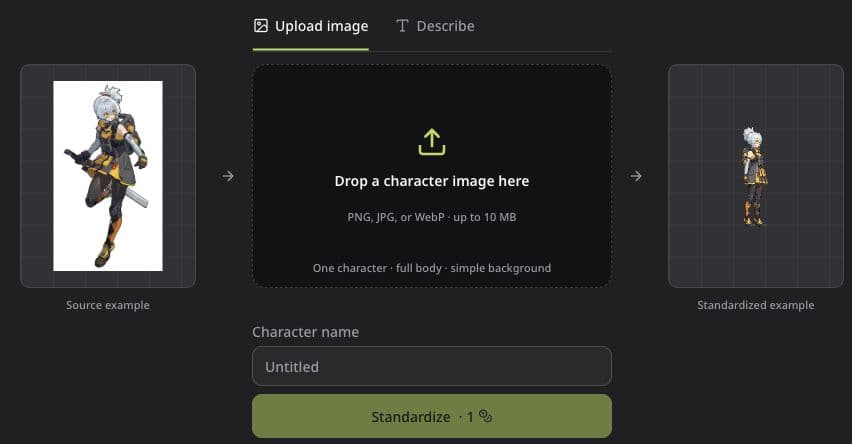
How to Create and Export Character Animations in Spritix
Start with an image or a character description, create actions, refine the animation, and export files for your game.

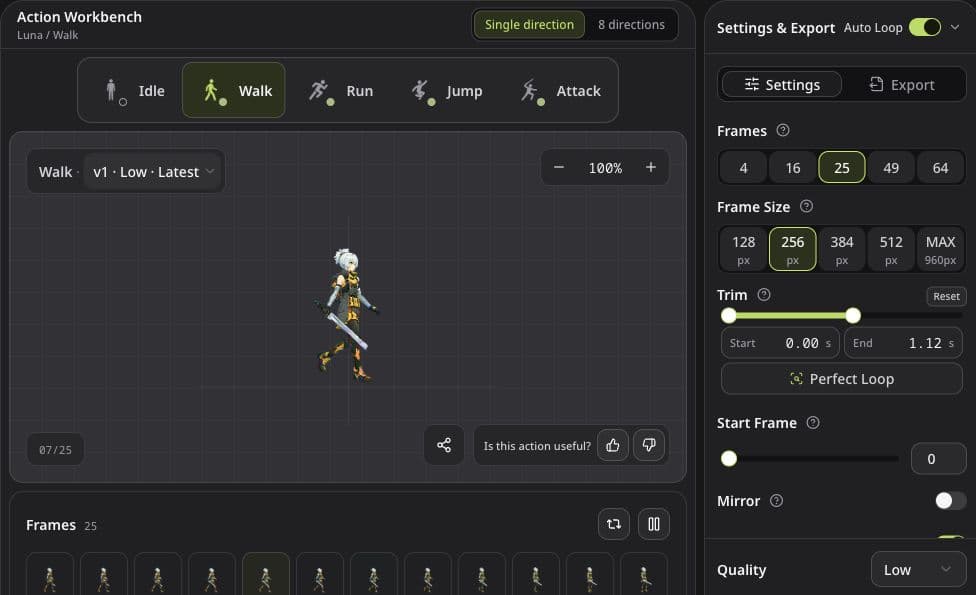
Refine Animation Loops Without Starting Over
Learn when to trim, change speed, use Perfect Loop, or generate a new version, with clear limits for each control.
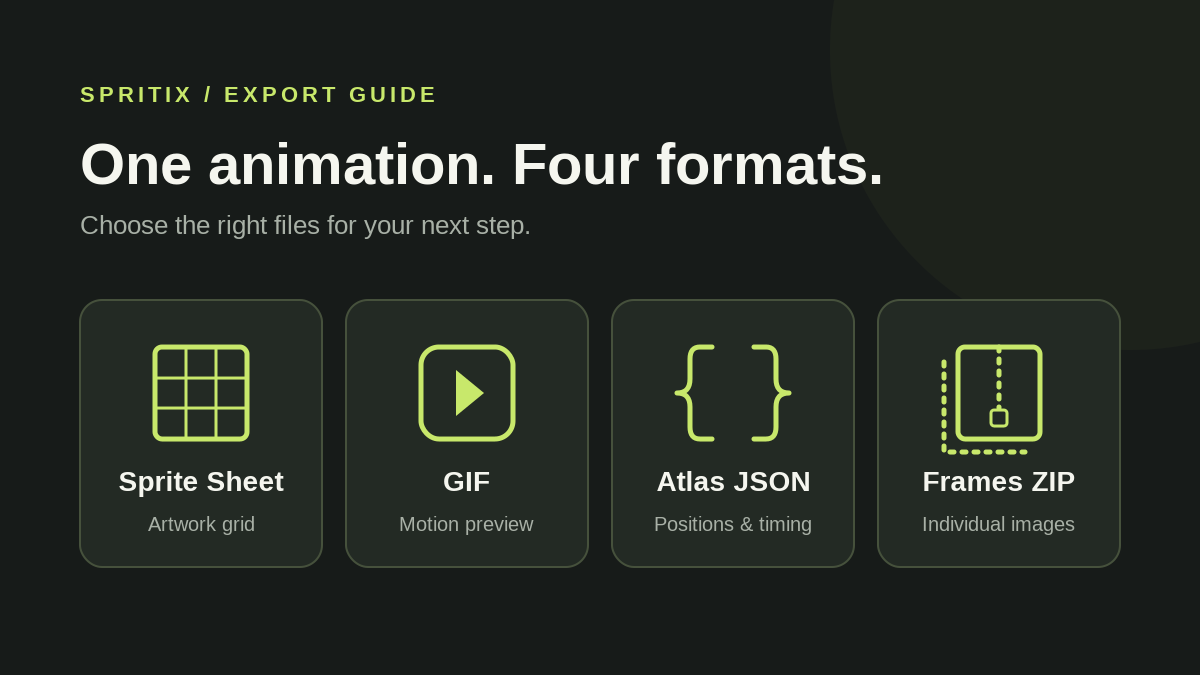
Spritix Export Formats: Sprite Sheet, GIF, Atlas JSON, and PNG Frames
A practical guide to what each Spritix download contains, where frame order and timing are stored, and which files to use in a game project.