Product
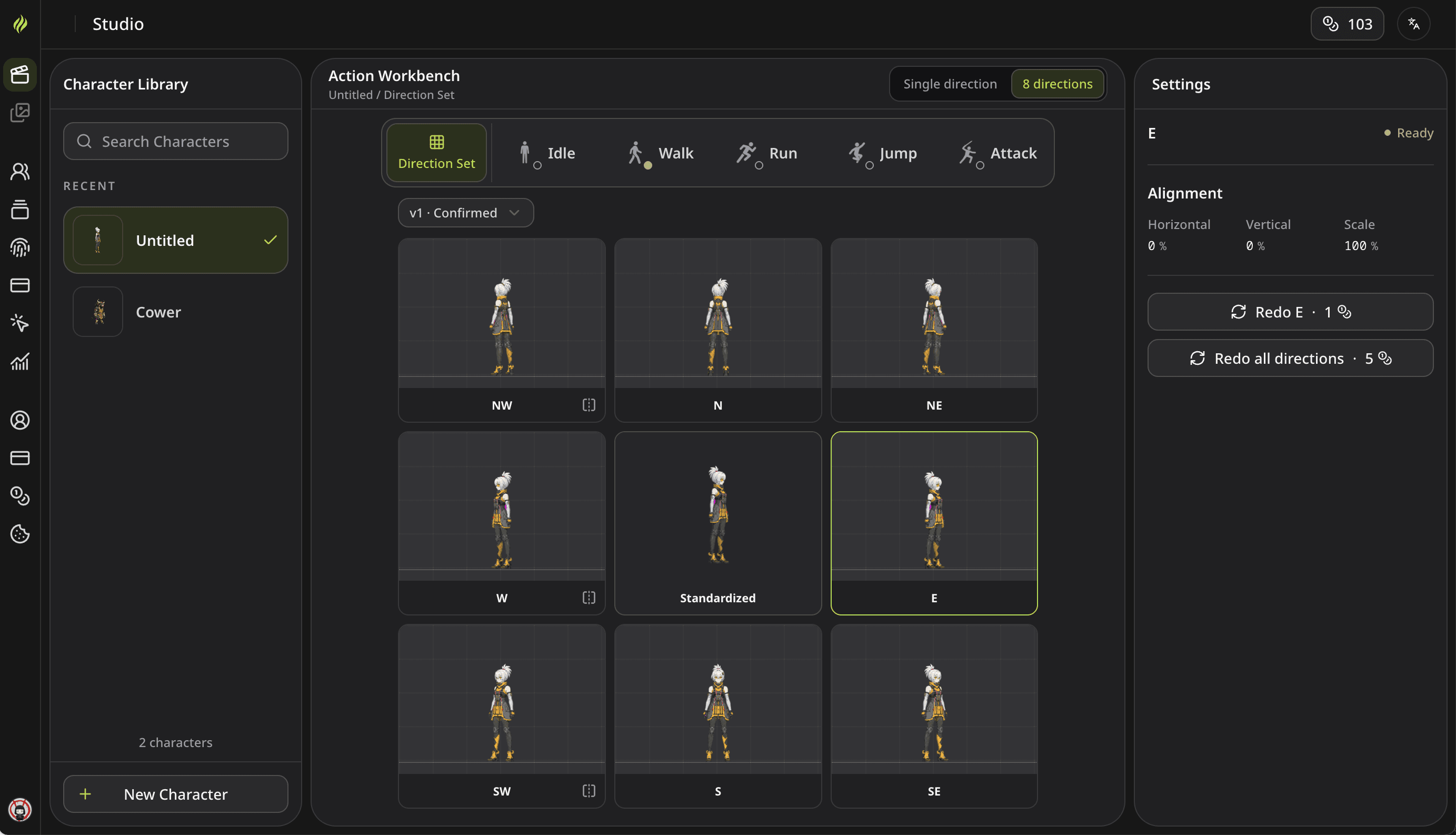
Prepare a Character for Single or Eight-Direction Animation
Create a character from an image or description, review the reference, and prepare consistent facing directions for your game.

Product
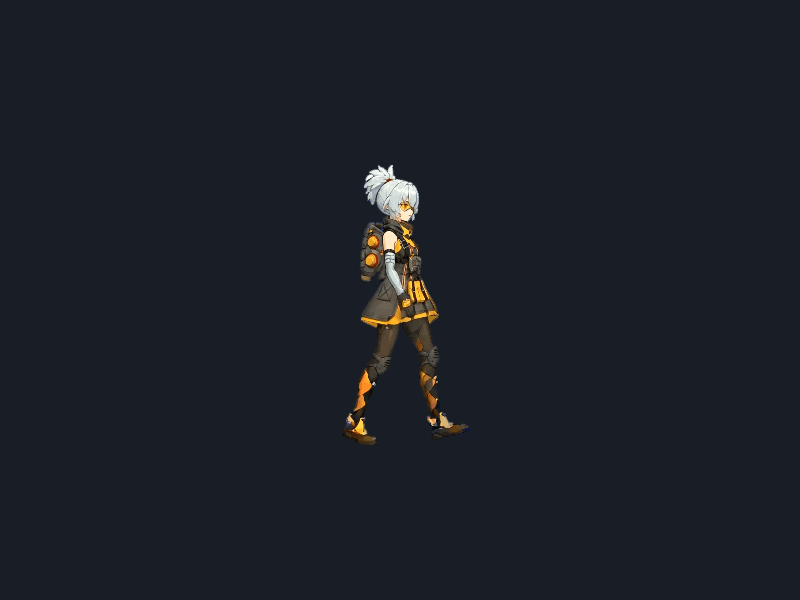
Import a Spritix Sprite Sheet into Godot
Slice a sprite sheet, create a walk animation with AnimatedSprite2D, and match playback speed in Godot 4.
Product
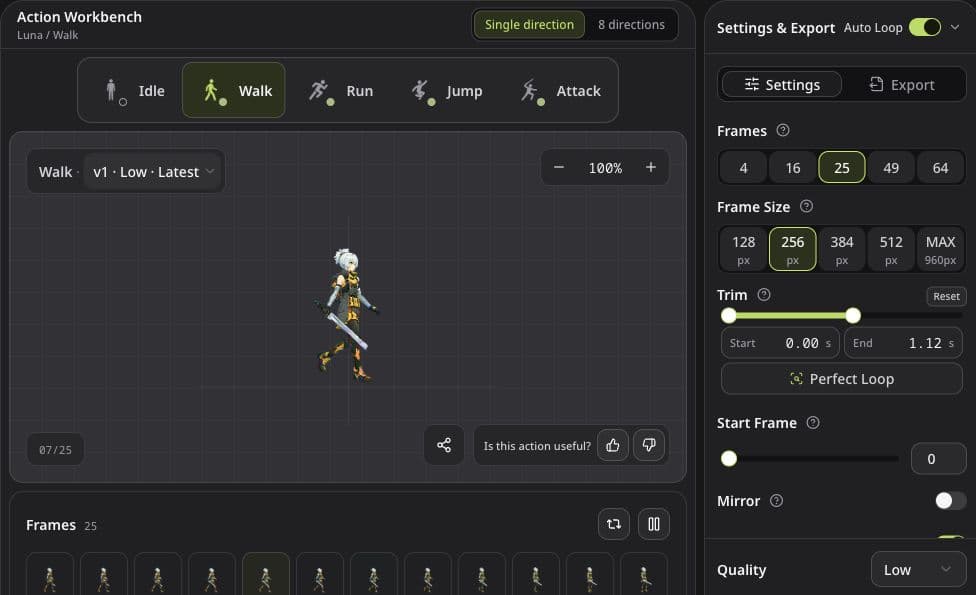
Refine Animation Loops Without Starting Over
Learn when to trim, change speed, use Perfect Loop, or generate a new version, with clear limits for each control.
Product
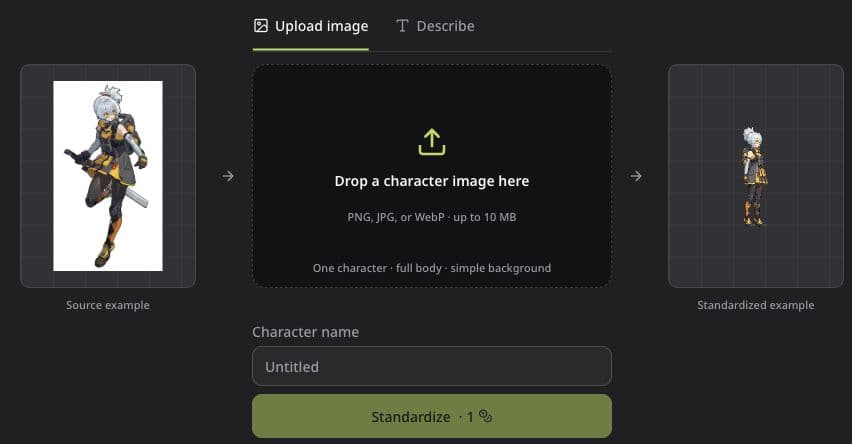
How to Create and Export Character Animations in Spritix
Start with an image or a character description, create actions, refine the animation, and export files for your game.
Product
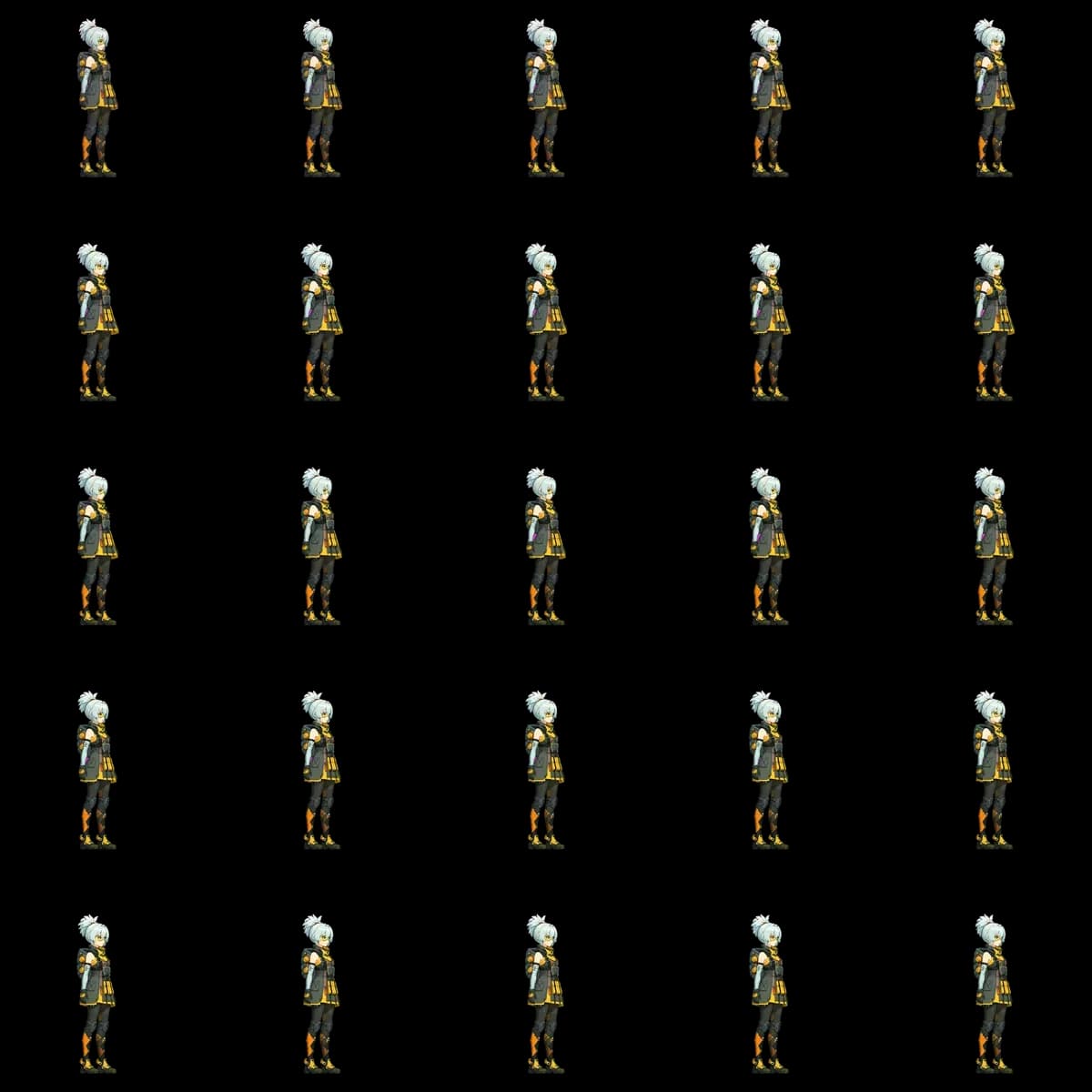
Luna Animation Case Study: One Character, Five Actions
A review of one Luna source image and five actual Spritix outputs, including what stayed consistent, what changed, and which generation details were not recorded.
Product
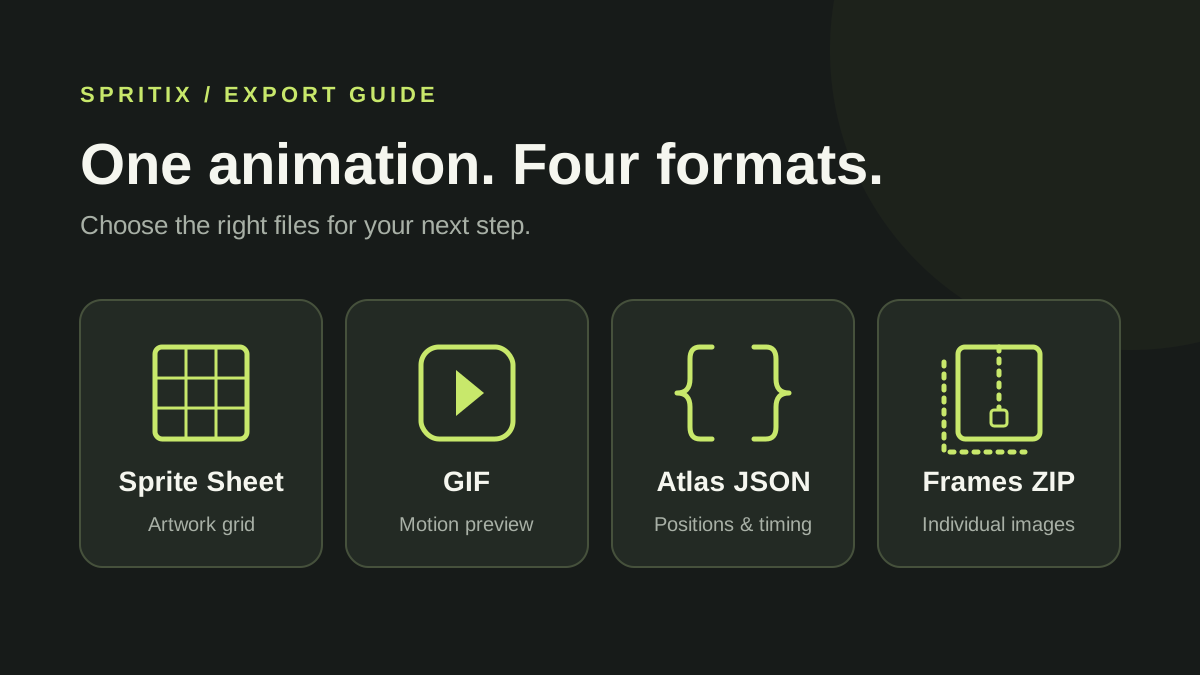
Spritix Export Formats: Sprite Sheet, GIF, Atlas JSON, and PNG Frames
A practical guide to what each Spritix download contains, where frame order and timing are stored, and which files to use in a game project.